Dodolyst
We’re your premier destination for expert insights on tech, finance, analytics, lifestyle, and more. Explore a wealth of knowledge and unlock your full potential with our curated resources and articles
Dodolyst
We’re your premier destination for expert insights on tech, finance, analytics, lifestyle, and more. Explore a wealth of knowledge and unlock your full potential with our curated resources and articles

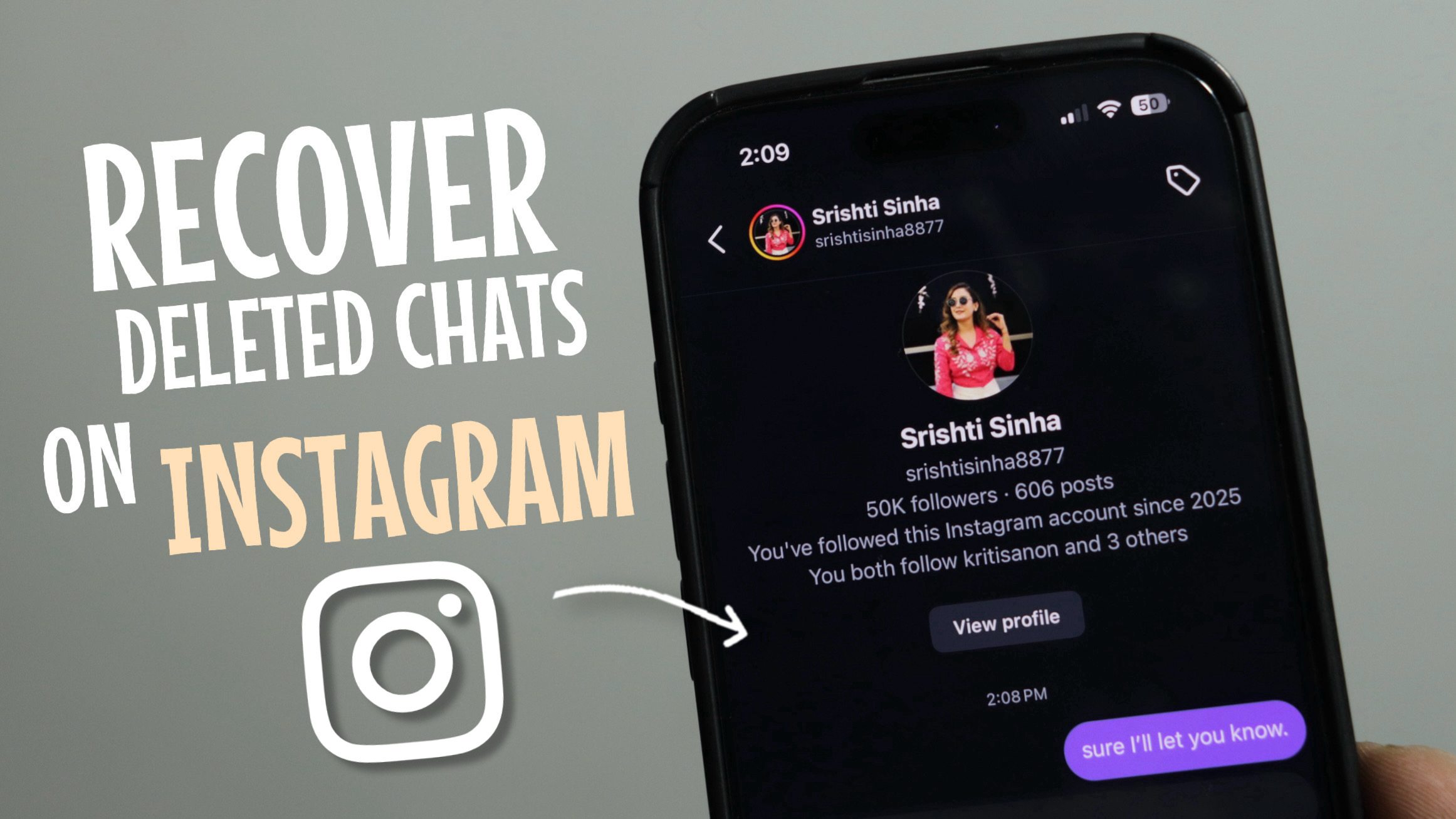
Accidentally deleted an important Instagram chat? Or someone unsent a message and now you’re trying to get it back?
The good news is — you can still recover deleted and even unsent Instagram messages in 2026, and you don’t need any fake third-party apps to do it.
In this complete guide, I’ll show you step by step how to recover deleted Instagram chats using Instagram’s official “Download Your Information” feature.
Yes — Instagram stores your account data, including messages, on its servers.
Even if:
You deleted the chat
The message is very old
Someone unsent a message
You can still access it by requesting your Instagram data.
This is the only safe and legit way to recover Instagram messages.
Open the Instagram app
Go to your profile
Tap the three lines (☰) in the top-right corner
Open Account Center
Tap Your Information and Permissions
Select Export Your Information
Instagram allows you to request a copy of everything linked to your account, including chat history.
Enter your email ID
Tap Request Download
A browser will open — log in to your Instagram account
Tap Create Export
Select your Instagram profile
Choose Export to Device
Select a Date Range (example: Last Week, Last Month, or All Time)
Tap Save
Tap Start Export
Instagram will now start preparing your data.
Within a few minutes to a few hours, Instagram will send you an email.
Open the email from Instagram
Click the Download Information link
Log in again
Download the ZIP file
Once the ZIP file is downloaded:
Unzip the file
Open the folder called your_instagram_activity
Go to messages
Open inbox
Select the chat folder (person’s name)
Open messages.json or messages.html
👉 Here you’ll find all your past chats, including:
Deleted messages
Unsent messages
Old conversations you thought were gone
This method works only for your own account data
You can’t restore messages back into Instagram chats — you can view and save them
Avoid apps claiming “one-click Instagram recovery” — most are scams
If you don’t want to do all these steps yourself,
👉 DM “my chats” on Instagram, and my team will guide you step by step until your deleted messages are recovered.
By requesting your data from Instagram, you can recover deleted and even unsent messages safely and legally — without risking your account.
If this guide helped you:
Share it with someone who needs it
Bookmark it for later
Follow for more Instagram tips, hacks, and tutorials